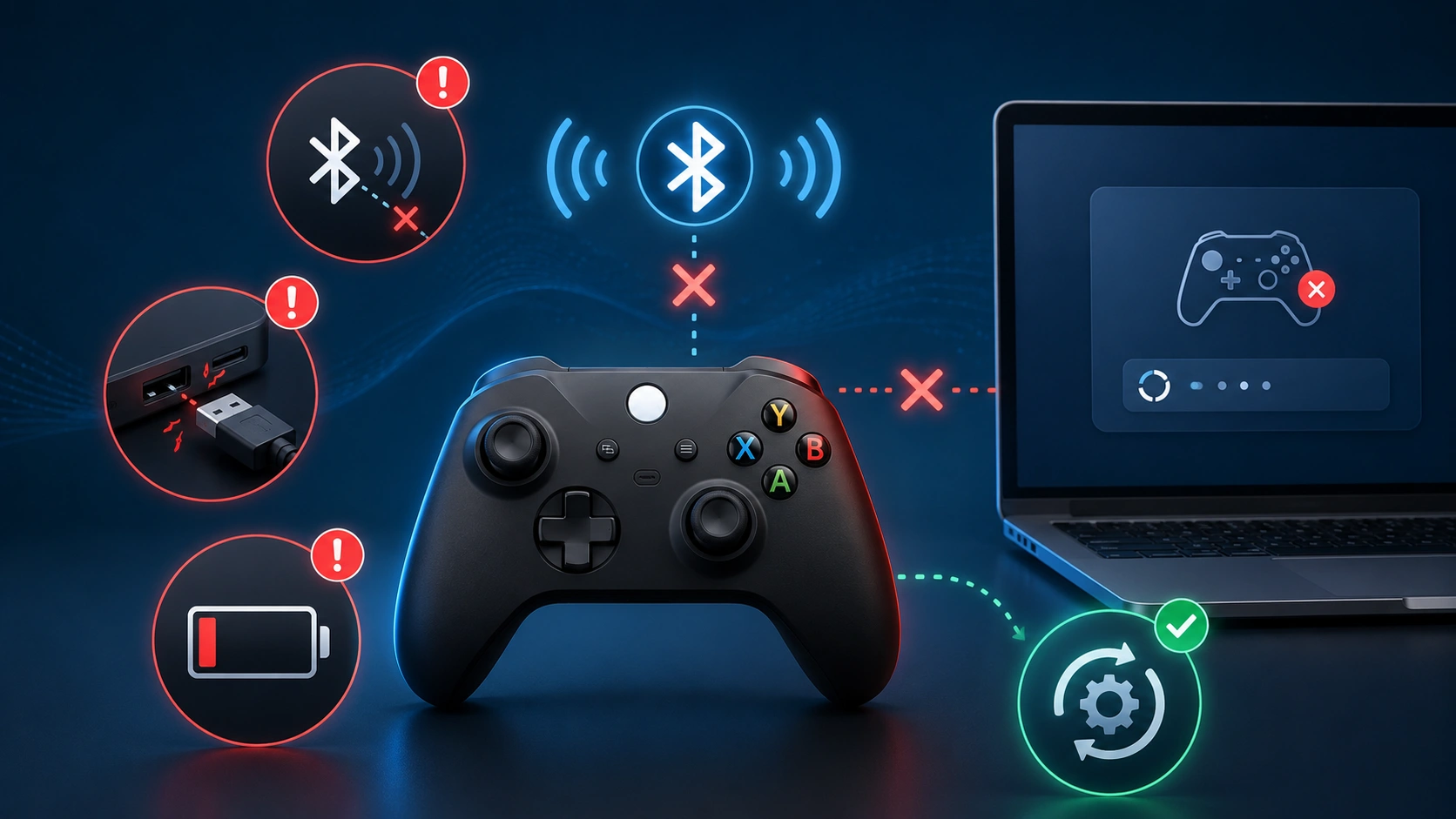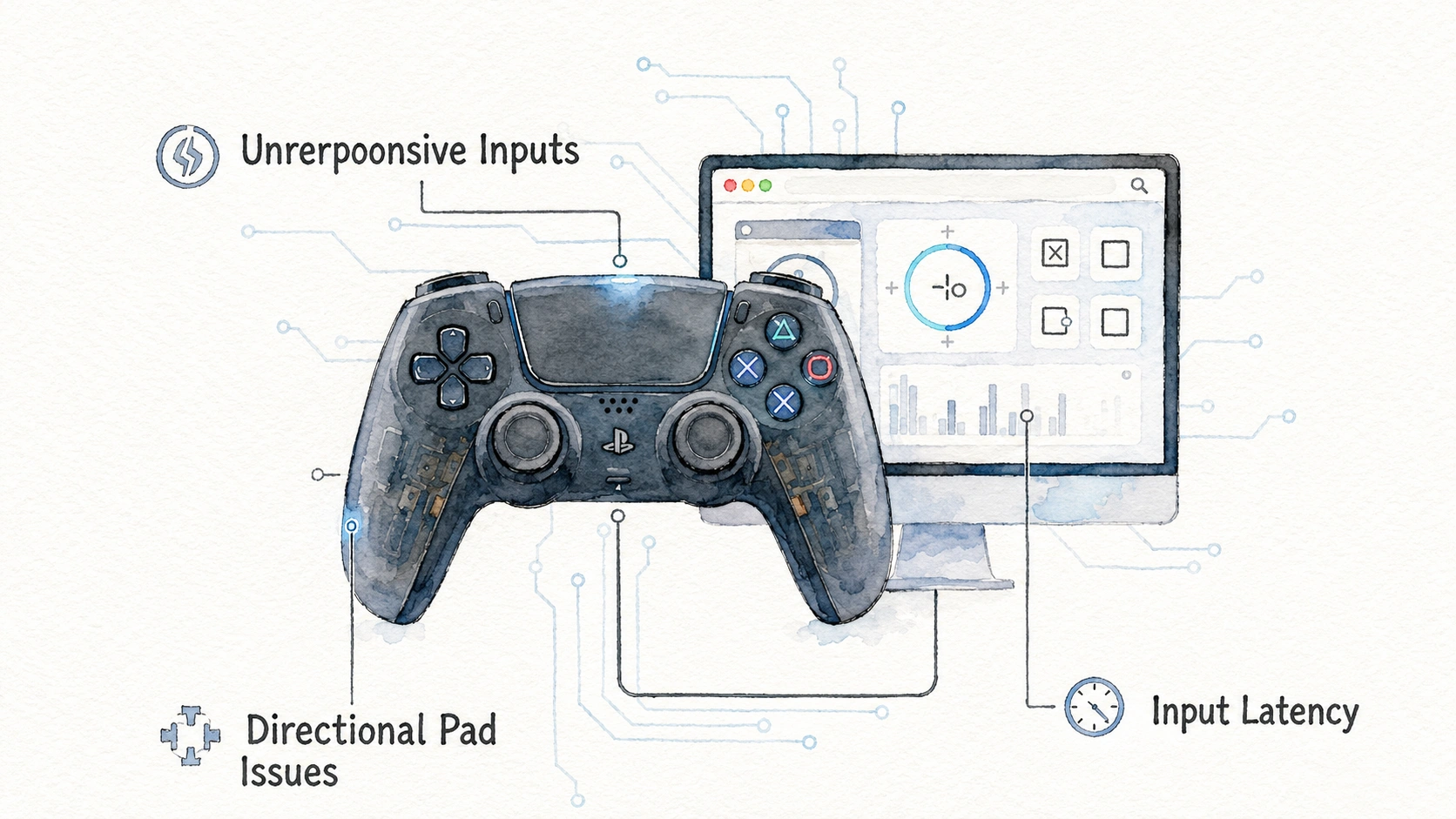
Your wireless controller used to last all weekend on a single charge. Now it barely makes it through one evening. This kind of slow decline is easy to miss day to day, but there are real ways to check exactly how healthy your controller’s battery actually is, right from your browser, without buying any special equipment.
This guide covers how to check battery health using free browser tools, what the numbers actually mean, and how to tell the difference between a battery that is simply low right now versus one that is genuinely wearing out.
Why Controller Battery Health Is Different From Battery Level
A lot of people confuse these two ideas, but they measure completely different things.
| Term | What It Actually Tells You |
|---|---|
| Battery level | How much charge is currently stored, right now |
| Battery health | How much total capacity the battery can still hold compared to when it was new |
A controller showing fifty percent battery level might be perfectly healthy, simply halfway through its current charge. A controller showing fifty percent battery health means the battery itself can only hold about half the charge it originally could when new, even at a full charge.
| Situation | What It Means |
|---|---|
| Shows 100 percent when charged, drains normally over hours | Healthy battery, normal level reading |
| Shows 100 percent when charged, drains unusually fast | Possible battery health decline |
| Never reaches a full charge indicator anymore | Likely battery health issue |
| Takes much longer to charge than it used to | Possible charging circuit or battery wear issue |
Why Controller Batteries Wear Out Over Time
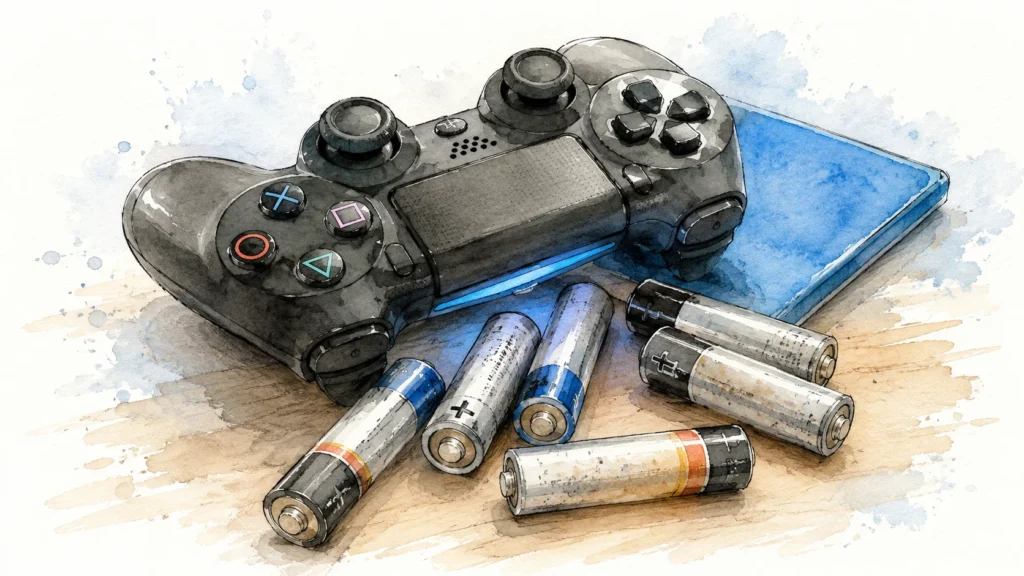
Rechargeable batteries inside wireless controllers are almost always lithium based, and these naturally lose some capacity through normal use, regardless of brand or price point.
| Cause of Battery Wear | Explanation |
|---|---|
| Charge cycles | Each full charge and drain cycle very slightly reduces total capacity |
| Heat exposure | Charging or playing in hot environments speeds up capacity loss |
| Age | Batteries degrade slowly even with minimal use, simply from time passing |
| Deep discharges | Repeatedly draining to completely zero percent stresses the battery more than partial discharges |
| Overcharging habits | Leaving a controller charging constantly, even after reaching full, can add extra wear over time |
A hardware reviewer who tests battery powered gaming accessories regularly mentioned that most wireless controllers start showing noticeable capacity decline somewhere between one and two years of regular daily use, though this varies a lot depending on charging habits and environment.
Using a Browser Based Gamepad Tester to Check Battery Information
Some gamepad tester websites display battery information directly, using data your browser can access through the same Gamepad API used for reading buttons and sticks.
Steps to check this:
- Connect your wireless controller to your PC through Bluetooth
- Open a gamepad tester website in a modern browser like Chrome or Edge
- Press any button first if the controller does not appear right away, since browsers often need an initial signal before detecting a connected device
- Look for a battery indicator or percentage display on the tester page
- Note the current reading and compare it to how recently the controller was charged
| What the Tool Might Show | What It Tells You |
|---|---|
| A simple percentage number | Current charge level right now |
| A charging status indicator | Whether the controller is currently plugged in and charging |
| Low battery warning threshold | When the system considers the battery critically low |
Not every browser or every controller model supports battery level reporting through the Gamepad API equally well, so if one tester shows no battery information at all, trying a different tool or a different browser is worth attempting before assuming there is a real problem.
Checking Battery Information Through Console Settings
Alongside browser tools, checking directly through your console’s own settings menu gives another data point to compare against.
Steps for Xbox:
- Go to Settings, then Devices and Connections, then Accessories
- Select your controller from the list
- Look for the battery percentage shown next to the device name
Steps for PlayStation:
- Go to Settings, then Accessories, then Controllers
- Select General
- The battery indicator should show current charge level for the connected controller
| Platform | Where to Check |
|---|---|
| Xbox | Settings, Devices and Connections, Accessories |
| PlayStation | Settings, Accessories, Controllers, General |
| PC via Bluetooth | Windows Settings, Devices, Bluetooth and other devices |
| PC via companion app | Manufacturer specific app, such as Xbox Accessories app |
Comparing what your console shows against what a browser tester shows can reveal small reporting differences, though both should generally agree on the rough charge level at any given moment.
Testing Real World Battery Life Manually
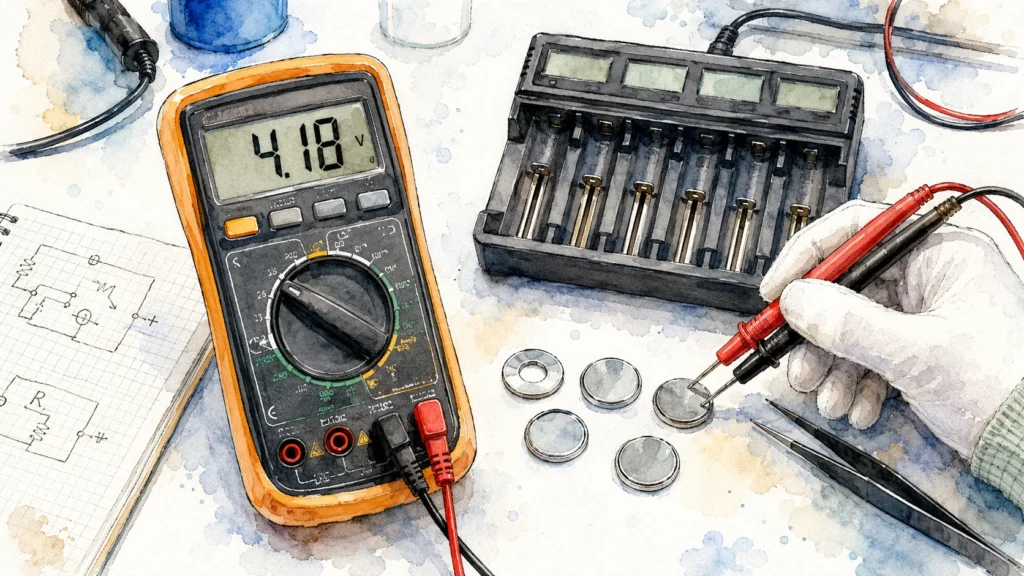
Since most consumer devices do not offer a precise built in battery health percentage the way some smartphones do, a practical real world test often gives the clearest picture of actual battery condition.
Steps for this manual test:
- Fully charge your controller until it shows one hundred percent or the charging light indicates completion
- Note the exact time you unplug it and begin using it normally
- Play normally across your usual sessions, checking the percentage at regular intervals, like every hour or every couple of hours
- Note the exact time when the controller reaches critically low battery or shuts off completely
- Calculate the total hours of use from full charge to empty
| Total Hours From Full Charge to Empty | What It Suggests |
|---|---|
| Matches or is close to the original advertised battery life | Battery health is likely still good |
| Noticeably shorter than original advertised life, but still usable for a full session | Some capacity loss, worth monitoring |
| Drains within an hour or two of light use | Significant capacity loss, likely needs battery replacement soon |
Repeating this test every few months creates a simple trend line over time, which is honestly more useful than any single reading, since it shows the actual rate of decline rather than just a one time snapshot.
Signs Your Controller Battery Is Actually Wearing Out
A handful of practical signs point toward genuine battery health decline rather than just a temporarily low charge.
- The controller drains noticeably faster than it did when you first bought it, even under similar usage patterns
- It takes significantly longer to reach a full charge compared to before
- The controller feels warmer than usual during charging or use
- The battery percentage jumps unexpectedly, for example dropping from forty percent straight to five percent without a gradual decline in between
- The controller shuts off suddenly even though it recently showed a moderate charge level
| Sign | Likely Meaning |
|---|---|
| Faster drain than before | Reduced total capacity |
| Slower charging | Possible battery or charging circuit wear |
| Unusual warmth | Battery degradation or charging inefficiency |
| Sudden percentage jumps | Battery cells becoming less stable or accurate at reporting charge |
| Random shutoffs | Battery can no longer reliably supply consistent power |
That sudden percentage jump symptom specifically, going from a moderate reading straight to near empty, is one of the clearest signs of real battery wear, since a healthy battery should decline smoothly and predictably rather than in sudden unpredictable drops.
Comparing Wired Play as a Diagnostic Trick
An interesting and often overlooked way to isolate whether a problem is genuinely the battery, rather than something else entirely, is comparing performance while playing wired versus wireless.
Steps to try this:
- Play a normal session on wireless power until you notice performance issues, disconnects, or unusually fast drain
- Switch to a wired USB connection for a similar length session
- Compare whether any previous issues, like unexpected disconnects, disappear entirely when wired
| Result | What It Suggests |
|---|---|
| Problems disappear completely when wired | Points strongly toward a battery or wireless power related issue |
| Problems persist even when wired | Points toward a different cause entirely, like a driver or connection setting |
This simple comparison test isolates battery related causes from other potential problems quite effectively, since a wired connection removes battery power from the equation completely.
How Charging Habits Affect Long Term Battery Health
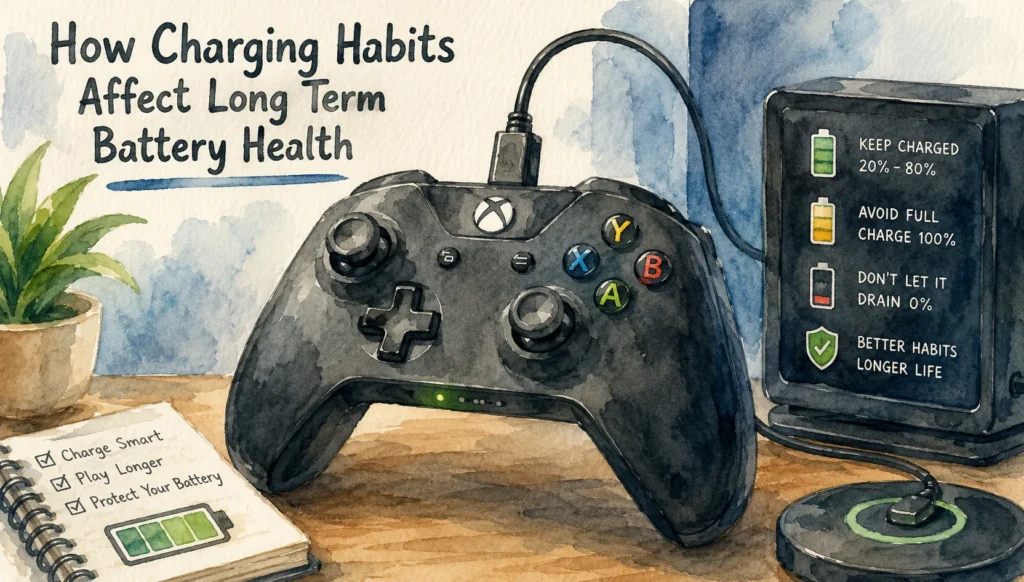
A few small habits genuinely make a difference in how long your controller’s battery stays healthy over its lifespan.
- Avoid letting the battery repeatedly drain to completely zero percent before recharging, since partial discharges are generally gentler on lithium batteries
- Unplug the controller once it reaches a full charge rather than leaving it connected for extended periods afterward
- Avoid charging or storing the controller in unusually hot environments, like a car in direct sunlight
- Use the charging cable or dock that came with the controller, or a well reviewed replacement, since low quality cables can charge inconsistently
| Habit | Long Term Effect |
|---|---|
| Frequent full drains to zero | Speeds up capacity loss over time |
| Regular partial charges | Generally gentler on battery lifespan |
| Charging in hot environments | Accelerates capacity decline |
| Leaving plugged in long after reaching full | Some added wear, though modern controllers often manage this reasonably well |
A technician who repairs gaming accessories mentioned that players who consistently let their controller battery run completely flat before charging tend to report noticeable capacity decline earlier than players who charge more frequently in smaller amounts.
When Battery Replacement Actually Makes Sense
At some point, a battery has degraded enough that replacement becomes more sensible than continuing to tolerate the shorter life.
Signs replacement is worth considering:
- The controller barely lasts through a single short gaming session even from a full charge
- Charging takes noticeably longer than normal, sometimes several hours for what used to take one
- The battery has begun swelling slightly, which is a safety concern and should be addressed immediately rather than ignored
- The controller shuts off unpredictably even when the displayed percentage suggests remaining charge
| Situation | Recommended Action |
|---|---|
| Mild capacity decline, still usable for normal sessions | Continue monitoring, adjust charging habits |
| Severe capacity decline, barely usable | Consider battery replacement |
| Visible swelling or unusual shape change | Stop using immediately, replace or dispose of safely |
| Overheating during charging | Stop use and inspect, possible safety concern |
Swelling specifically is not just an inconvenience, it is a genuine safety issue with lithium batteries, so any visible bulging or shape distortion in the battery compartment should be treated seriously rather than dismissed as a minor cosmetic issue.
Replacing a Controller Battery Yourself
For many wireless controllers, the internal battery can be replaced without needing professional repair, though the difficulty level varies by controller model.
General steps:
- Power off the controller completely and disconnect any cable
- Open the back shell using the correct screwdriver type for your specific model
- Locate the battery, usually a small rectangular unit connected by a short wire to the main circuit board
- Carefully disconnect the old battery’s connector
- Connect the new replacement battery, making sure the connector fully seats in place
- Reassemble the shell and test charging before fully closing everything up
| Tool Needed | Purpose |
|---|---|
| Correct screwdriver type for your model | Opening the shell without stripping screws |
| Replacement battery matching your model | The actual new part |
| Plastic prying tool | Safely separating the shell |
| Tweezers | Handling the small battery connector |
Always confirm you are buying a replacement battery that matches your specific controller model exactly, since using an incorrect voltage or size can cause fitting problems or, in worse cases, safety issues.
Comparing All Methods for Checking Battery Health
| Method | Difficulty | Cost | What It Reveals |
|---|---|---|---|
| Browser gamepad tester | Very easy | Free | Current charge level, sometimes basic health hints |
| Console settings check | Very easy | Free | Current charge level |
| Manual full drain timing test | Easy, but takes time | Free | Real world battery life compared to original expectations |
| Wired versus wireless comparison | Easy | Free | Isolates battery related issues from other causes |
| Physical inspection | Easy | Free | Reveals swelling or visible damage |
Common Mistakes People Make When Judging Battery Health
A number of small misunderstandings lead people to misjudge their controller’s actual battery condition.
- Assuming a single low battery reading means the battery is failing, when it might simply need a normal recharge
- Not tracking real world usage time over multiple sessions, relying only on a vague sense that “it feels like it drains faster now”
- Charging in a hot car or direct sunlight without realizing this accelerates long term capacity decline
- Ignoring visible swelling because the controller still technically powers on
- Blaming the battery for disconnect issues that turn out to be caused by Bluetooth interference or a driver problem instead
| What You Observed | Suggested Conclusion |
|---|---|
| Battery life matches original expectations closely | Battery health is likely still good |
| Battery life has dropped noticeably but remains usable | Monitor and adjust charging habits |
| Battery life has dropped severely | Consider replacement |
| Visible swelling present | Stop use immediately, replace or dispose safely |
| Issues disappear entirely when wired | Confirms the problem was battery or wireless power related |
Frequently Asked Questions
Can I check exact battery health percentage the same way I can on a smartphone?
Ans: Most game controllers do not expose a precise battery health percentage the way modern smartphones do, so real world testing and observing charge level trends over time is usually the most practical alternative.
Does using a controller wired while it charges damage the battery?
Ans: Generally no, most modern controllers handle simultaneous charging and wired use safely, though checking your specific manufacturer’s guidance is a good habit if you do this frequently.
Why does my controller show full battery but still die quickly?
Ans: This is a classic sign of reduced battery capacity, where the percentage reading itself has become less accurate at representing the true remaining charge available.
Is it bad to leave my controller charging overnight regularly?
Ans: Occasional overnight charging is unlikely to cause serious harm with modern battery management, though consistently leaving it plugged in for many hours beyond a full charge every single day may contribute to slightly faster wear over a long period.
Can cold temperatures affect controller battery readings?
Ans: Yes, cold temperatures can temporarily reduce how much charge a battery appears to hold, so testing in a very cold room might show a misleadingly low reading compared to normal room temperature.
Should I replace the battery myself or get professional help?
Ans: If you are comfortable with small screws and connectors and can find a battery that matches your specific model, doing it yourself is often straightforward, though professional help is a reasonable choice if you are unsure or uncomfortable opening electronics.
Does fast charging harm long term battery health?
Ans: Fast charging can generate slightly more heat during the process, which over a long period may contribute marginally to faster capacity decline compared to slower charging, though most modern controllers manage this reasonably well with built in safety controls.