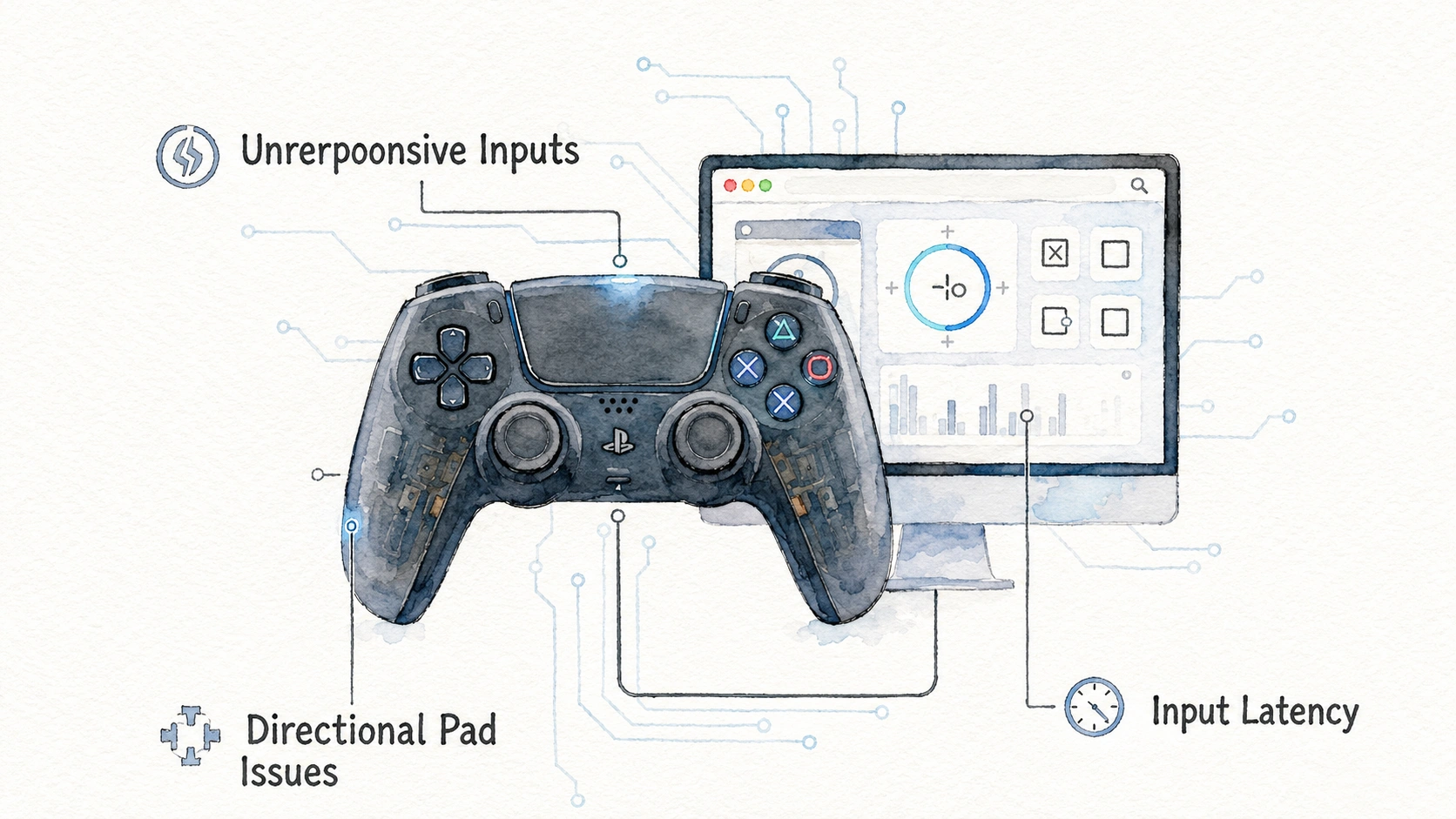
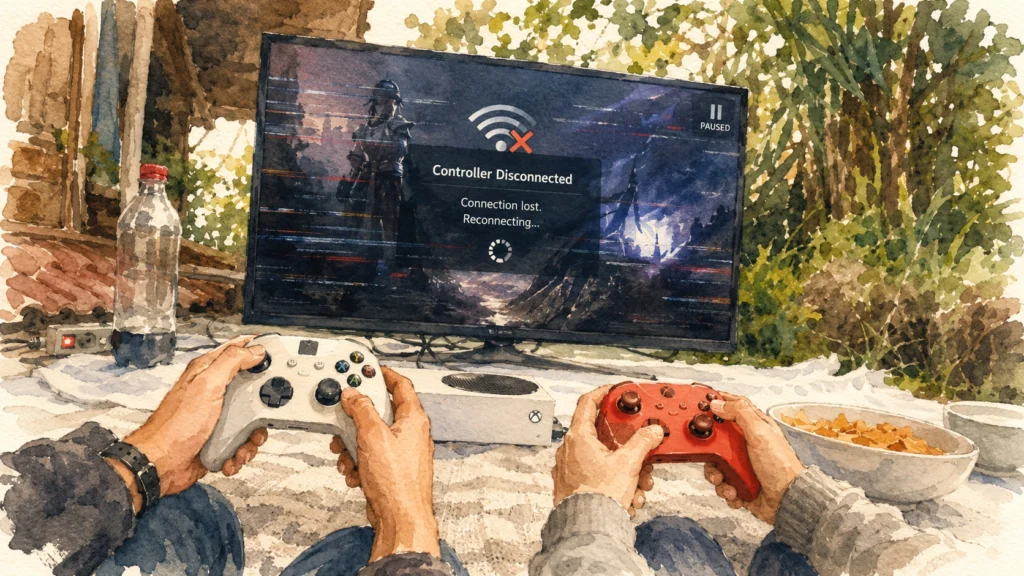
Your controller cuts out right in the middle of a match, then reconnects a few seconds later like nothing happened. This is one of the most annoying problems in gaming because it rarely happens at a convenient time, and it can happen on wired controllers too, not just wireless ones. The reasons behind random Controller Keeps Disconnecting Fix range from simple battery issues to deeper software conflicts, so this guide walks through every common cause and the fix that actually matches it.
Why Disconnects Happen More Than People Realize
A controller disconnecting is not one single problem with one single cause. It is a symptom that can point to several completely different issues depending on your setup.
Here is a simple overview of the main categories:
| Category | Examples |
|---|---|
| Power related | Low battery, weak power delivery through USB |
| Signal related | Bluetooth interference, weak wireless range |
| Software related | Outdated drivers, background app conflicts |
| Hardware related | Worn internal battery, damaged USB port, loose cable |
| Settings related | USB power saving settings, console rest mode behavior |
A repair technician who handles a high volume of controller issues mentioned that disconnect complaints are actually some of the hardest to diagnose over the phone, since the exact same symptom can come from a dying battery in one case and a Windows power setting in another.
Symptom: Wireless Controller Disconnects Randomly During Play
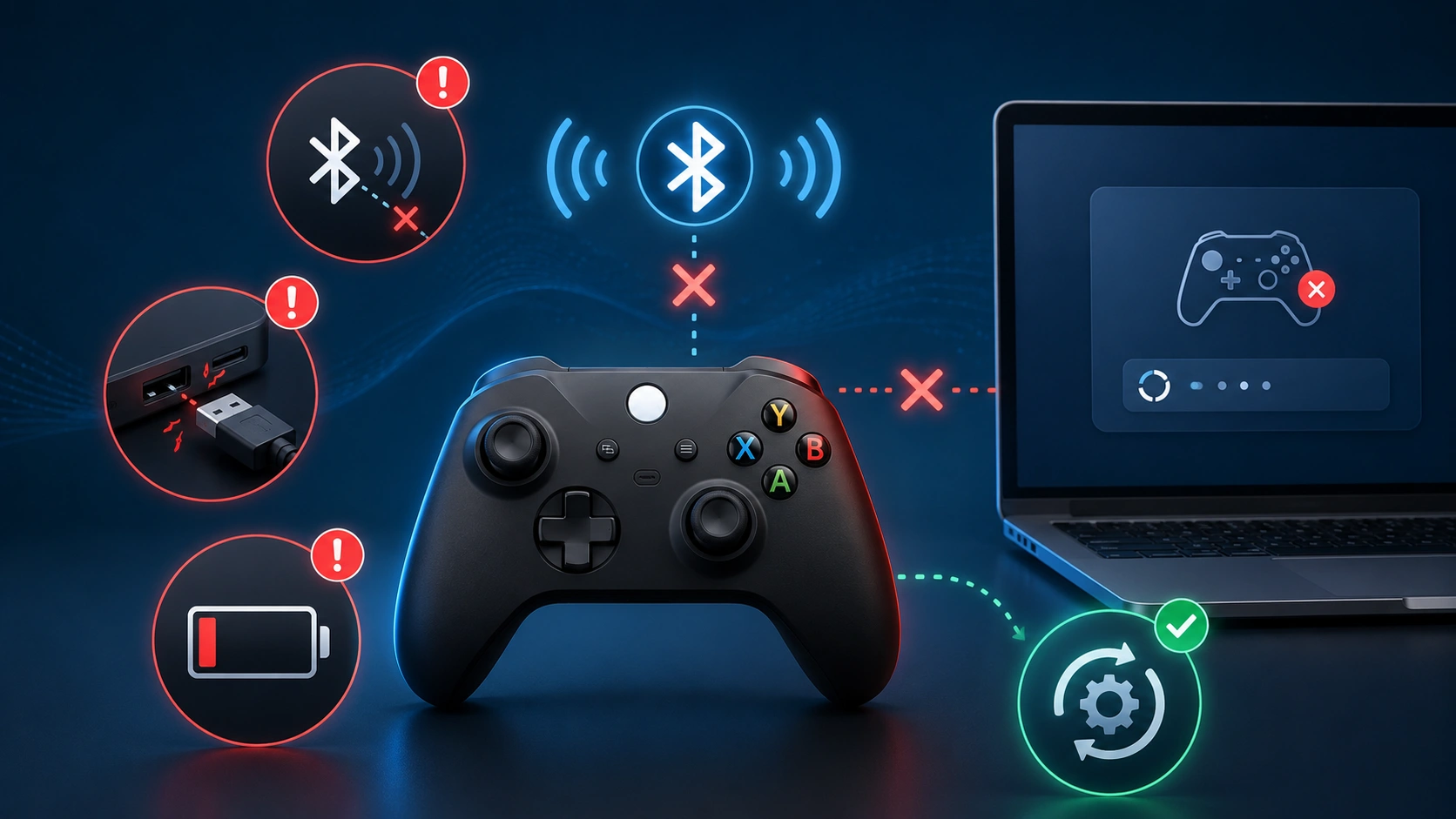
This is the most common version of the complaint, and it usually points to one of a few specific causes.
Steps to Narrow It Down
- Check the battery level first, since low battery is genuinely the single most common cause of random wireless disconnects.
- Move closer to the console or PC, since range and obstacles both weaken wireless signal strength.
- Check for other wireless devices nearby that might be causing Bluetooth interference, especially other Bluetooth accessories or busy Wi-Fi routers.
- Test with a fresh set of batteries or a full charge to rule out power as the cause entirely.
| Cause | How Common | Quick Check |
|---|---|---|
| Low battery | Very common | Check battery percentage in settings |
| Distance or obstacles | Common | Test again sitting closer to the console |
| Wireless interference | Moderate | Turn off other nearby Bluetooth devices temporarily |
| Weak internal battery health | Less common but happens with older controllers | Charges quickly then drains fast |
If your controller charges normally but drains unusually fast compared to when it was new, the internal battery itself may be wearing out, which is a hardware issue rather than a settings problem.
You can use the controller battery health check to review battery behaviour before assuming the controller itself has failed.
Symptom: Wired Controller Disconnects Even Though It Is Plugged In
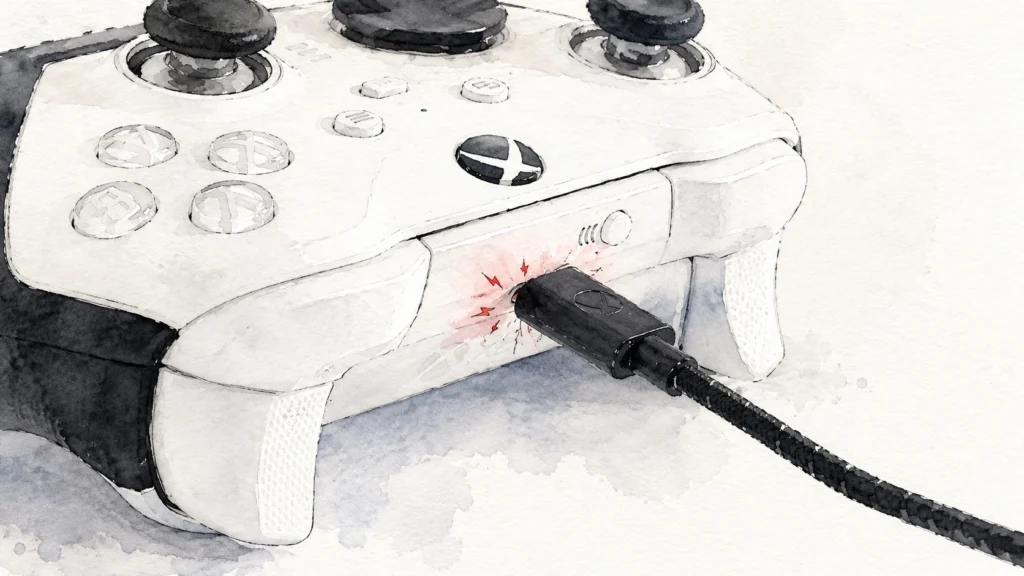
People often assume a wired connection cannot disconnect, but it absolutely can, and the causes here are quite different from wireless problems.
Common Causes for Wired Disconnects
- A damaged or low quality USB cable, especially ones that only handle charging and not full data transfer
- A loose USB port connection, sometimes from a slightly bent connector or worn out port
- Windows power management settings turning off the USB port to save energy during inactivity
- A front panel USB port on a desktop tower that has a weaker connection than rear ports
| Symptom Detail | Likely Cause |
|---|---|
| Disconnects only when the cable is touched or moved | Loose or damaged cable |
| Disconnects after periods without input | USB power saving setting |
| Works fine on rear ports but not front ports | Front panel wiring issue |
| Random drops with no clear pattern | Possible port or cable quality issue |
A simple wiggle test, gently moving the cable at both ends while watching for a reaction, often reveals a physically loose connection immediately without needing any deeper troubleshooting.
Fixing USB Power Management Disconnects on Windows
This is one of the most common causes of wired controller disconnects on PC, and thankfully it has a straightforward fix.
Steps to Fix This
- Open Device Manager.
- Expand the section labelled Universal Serial Bus controllers.
- Right click each entry labelled USB Root Hub, then select Properties.
- Go to the Power Management tab.
- Uncheck the box that says “Allow the computer to turn off this device to save power.”
- Repeat this for every USB Root Hub entry listed, since there are usually several.
This setting exists to save a small amount of energy, but it causes real problems for controllers and other USB accessories that go quiet for a moment during normal gameplay pauses. Disabling it across all hub entries solves this particular disconnect pattern in the large majority of cases.
Fixing Bluetooth Interference Issues
Bluetooth disconnects often come down to competition for the same wireless frequency space, which gets crowded in homes with lots of connected devices.
Steps to Reduce Interference
- Move the controller and the receiving device closer together, ideally within a few feet during testing.
- Turn off other Bluetooth devices temporarily to see if disconnects stop, then reintroduce them one at a time to identify the culprit.
- Move your Wi-Fi router further from your gaming setup if physically possible, since some routers share similar frequency bands with Bluetooth.
- Update your PC’s Bluetooth driver through Device Manager.
| Nearby Device Type | Interference Risk |
|---|---|
| Wireless headphones | Moderate to high |
| Wireless keyboard and mouse | Moderate |
| Smart home Bluetooth devices | Low to moderate |
| Older Wi-Fi routers on the same band | Moderate |
| Microwave ovens during operation | Surprisingly high but usually brief |
A technology reviewer who tests wireless accessories regularly pointed out that many people never suspect their smart home devices as a possible cause, even though several common ones do compete for the exact same wireless frequency range used by Bluetooth controllers.
Microsoft also recommends checking the Bluetooth device’s Power Management settings and updating its driver when Bluetooth keeps disconnecting in Windows.
Symptom: Controller Disconnects Specifically During Rest Mode or Sleep
This happens on consoles and PCs alike, when the system enters a low power state and the controller connection drops as a side effect.
Steps to Address This
- Check your console’s power saving settings, since some configurations disconnect wireless accessories automatically during rest mode.
- On PC, check your sleep and power plan settings under Windows Settings, then System, then Power.
- Consider adjusting how quickly your system enters sleep mode if disconnects happen frequently during short pauses in gameplay.
| System State | Typical Controller Behavior |
|---|---|
| Active gameplay | Should remain fully connected |
| Short pause, screen still on | Usually stays connected unless power settings are aggressive |
| Full sleep or rest mode | Controller connection commonly drops, this is often expected behaviour |
| Waking from sleep | Controller usually needs to reconnect manually or with a button press |
This particular pattern is often just normal expected behaviour rather than a fault, so understanding this ahead of time saves a lot of unnecessary troubleshooting.
Symptom: Controller Disconnects Only in Certain Games
If the disconnect problem only happens in one specific game and not others, the cause is almost always something inside that particular game rather than your hardware setup.
Steps to Check
- Test the same controller in a different game to confirm it stays connected there.
- Check if the affected game has a specific controller compatibility setting or requires a particular input mode.
- Look for community reports or official patch notes mentioning known controller issues for that specific game.
- Update the game itself, since patches sometimes fix controller handling bugs directly.
| Observation | What It Suggests |
|---|---|
| Disconnects in one game only | Game specific software issue |
| Disconnects across all games | Hardware, driver, or system setting issue |
| Disconnects only after a specific patch update | Recently introduced game bug |
| Disconnects only in menus, not gameplay | Possible input handling bug in that menu system specifically |
Testing with a neutral tool first, like a browser based gamepad tester, helps confirm whether the connection itself is stable outside of that specific game, which narrows the investigation considerably.
Browser testing tools can detect controller connection and disconnection events through the Gamepad API.
Symptom: Multiple Controllers Disconnect at the Same Time
This specific pattern almost always points to a shared cause rather than individual controller problems, since it would be a big coincidence for two separate controllers to fail at the exact same moment for unrelated reasons.
Likely Shared Causes
- A single wireless receiver or dongle handling multiple controllers losing its own connection
- Console or PC system wide power setting affecting all connected accessories simultaneously
- A software update that changed how the system handles wireless connections broadly
| Shared Cause | How to Confirm |
|---|---|
| Faulty central receiver | Try swapping which USB port the receiver uses |
| System wide power setting | Check power management settings as described earlier |
| Recent system update | Check release notes for known accessory issues |
If this happens, focus troubleshooting on the shared piece of hardware or the operating system settings, rather than assuming each individual controller has developed a separate problem at once.
Testing Connection Stability Properly
Rather than guessing based on gameplay feel, testing with a dedicated tool gives you clear, honest data about connection stability over time.
Steps for a Proper Stability Test
- Connect your controller using the connection method you want to test.
- Open a browser based gamepad tester.
- Leave the tester page open and the controller connected for at least twenty minutes without touching it.
- Note the exact time of any disconnect shown, along with what else was happening on your PC or console at that moment.
- Repeat this test at a different location in your home if wireless interference is suspected.
| Test Duration | What It Reveals |
|---|---|
| A few minutes | Catches only severe, frequent disconnect issues |
| Twenty to thirty minutes | Reveals moderate frequency disconnect patterns |
| A few hours | Reveals rare or environment specific disconnect causes |
Longer test periods genuinely reveal more, since some disconnect causes, like a specific nearby device turning on periodically, only show up occasionally rather than constantly.
Common Mistakes People Make While Troubleshooting Disconnects
A handful of small oversights waste a lot of time during this kind of troubleshooting.
- Assuming the controller itself is broken before checking battery level or cable quality first
- Not testing with a different USB port before assuming a driver problem
- Ignoring Windows power management settings entirely, even though this single setting solves a huge share of wired disconnect cases
- Blaming the game before confirming stable connection with a neutral testing tool
- Forgetting that rest mode or sleep related disconnects are often expected normal behaviour, not an actual fault
- Overlooking smart home devices or other household electronics as a possible source of wireless interference
A Quick Reference Table for Diagnosing Your Specific Symptom
| Symptom | First Thing to Check |
|---|---|
| Wireless disconnects randomly | Battery level and distance from console or PC |
| Wired disconnects despite being plugged in | Cable quality and USB power management setting |
| Disconnects during pauses or inactivity | USB power saving or sleep mode settings |
| Disconnects only in one specific game | Game update status and in-game input settings |
| Multiple controllers disconnect together | Shared receiver or system wide power setting |
| Bluetooth specific disconnects | Nearby wireless interference from other devices |
Preventing Future Disconnects
A few consistent habits genuinely reduce how often this problem shows up again after you have fixed the immediate cause.
- Charge wireless controllers fully before long gaming sessions rather than playing on a low battery
- Keep a dedicated, known good data capable USB cable set aside specifically for controller use
- Disable USB power saving settings once, since this setting rarely needs to be revisited afterward
- Position your gaming setup away from routers, microwaves, and other Bluetooth devices when possible
- Keep both your console or PC and your controller’s firmware updated regularly
- Avoid using front panel USB ports on desktop towers for anything requiring a stable, high demand connection
PlayStation users can review the official controller pairing and connection guidance when reconnecting a DualSense controller through Bluetooth or USB.
Frequently Asked Questions
Does a Controller Disconnecting Mean the Battery Is Dying Permanently?
Not always. It could simply be low on charge for that session, though if it disconnects quickly even after a full charge, the internal battery may genuinely be wearing out.
Can a USB Hub Cause More Disconnects Than Plugging In Directly?
Ans: Yes, particularly cheap or unpowered hubs, since they sometimes cannot supply consistent power to accessories like wireless controller dongles or wired controllers under heavier use.
Why Does My Controller Disconnect More in One Room of My House Than Another?
Ans: This usually points to wireless interference or physical obstacles between the controller and the receiving device, both of which vary a lot depending on room layout and nearby electronics.
Is It Normal for a Controller to Disconnect Briefly When a Console Goes Into Rest Mode?
Ans: Yes, this is expected in many systems, since rest mode intentionally reduces power to wireless accessories as part of normal energy saving behaviour.
Can Old or Corrupted Game Saves Cause Controller Disconnects?
Ans: This is uncommon, but a corrupted game specific settings file can sometimes cause strange input handling behaviour, including apparent disconnects that are actually the game failing to read input correctly rather than a true hardware disconnect.
Should I Replace My Controller If Disconnects Continue After Trying Everything?
Ans: If you have ruled out cables, batteries, settings, and interference, and the problem persists specifically with one controller across multiple devices and games, that points toward a genuine hardware fault worth addressing through repair or replacement.
Does Playing Near a Lot of Other Bluetooth Devices Always Cause Disconnects?
Ans: Not always, since modern Bluetooth handles multiple nearby devices reasonably well most of the time, but a crowded wireless environment does increase the statistical chance of occasional interference related drops.